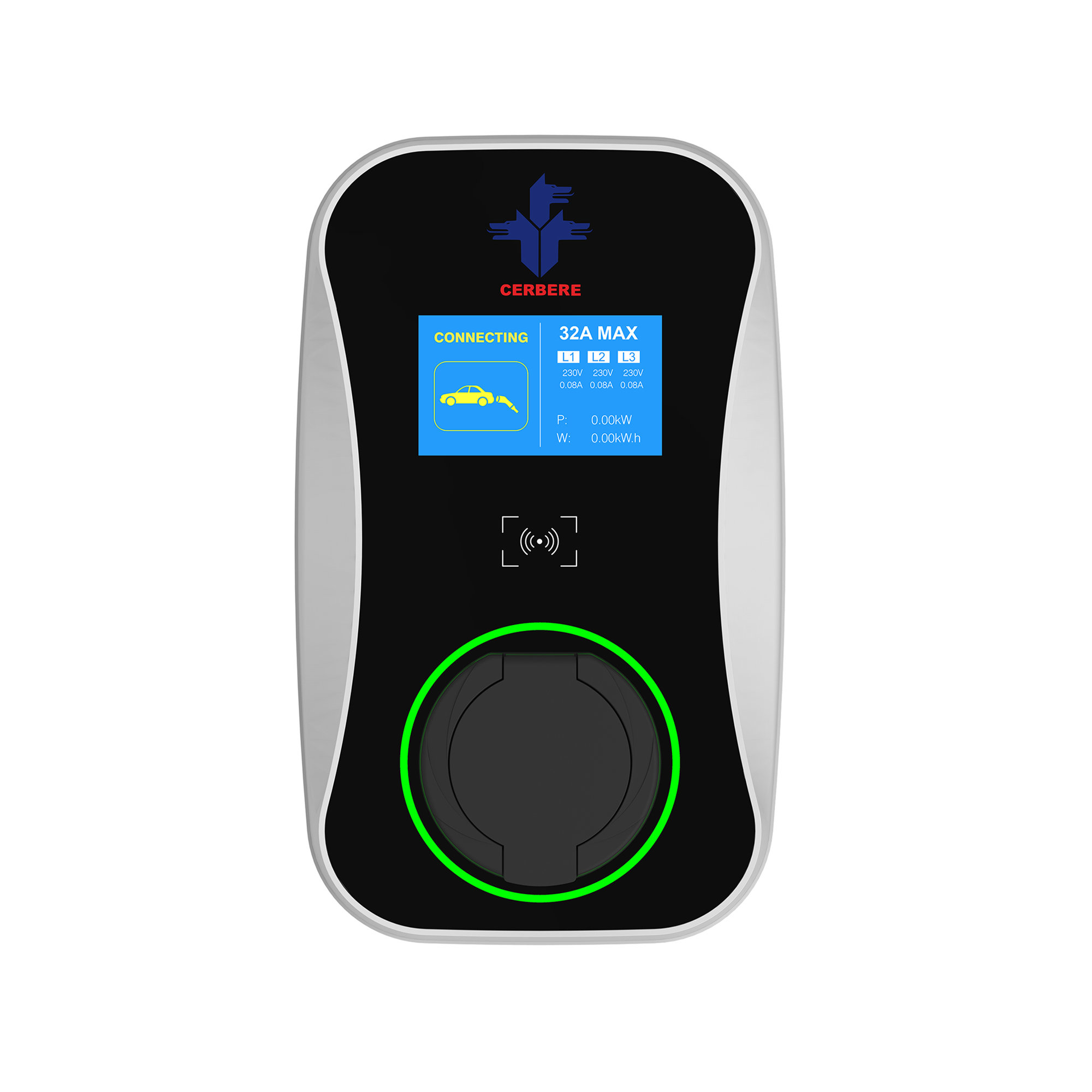
Our range of electric vehicle charging stations supports OEM and ODM. As a key current R&D project, the charging stations meet global market needs and have received positive feedback in the international market.
The electric vehicle charger series is equipped with an LCD screen and holds CE, CB, UKCA, ETL, OCA, and other relevant certifications, meeting the standards of multiple market regions such as Europe, North America, the Middle East, and South America.
Input
Output
User interface
Safety
Power consumption
Environment
Input
-Alimentation : 3P+N+PE
-Tension nominale : AC380~415V 50/60Hz
-Courant nominal : Max 32A (réglable de 6 à 32A)
Output
-Tension de sortie : AC380~415V 50/60Hz
-Courant maximum : Max 32A (réglable de 6 à 32A)
-Puissance nominale : 22 kW
User interface
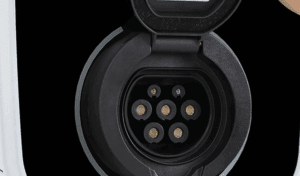
-Prise ou connecteur du chargeur : Type 2
-Matériau :Material: ABS+PC, fire resistance rating V-0
-Couleur : Noir + Gris
-Voyant lumineux : LED
Safety
Protection rating:
PCB protection:
Overcurrent protection, Max 32A – Recommended 36A
Residual current protection AC TYPE A 30mA, DC 6mA
Grounding check
Overvoltage/undervoltage protection
Overheat protection
Certifications: CE, UKCA
Certification standards: EN 61851, EN 62196
Power consumption
-Consommation électrique en veille : <10W
Environment
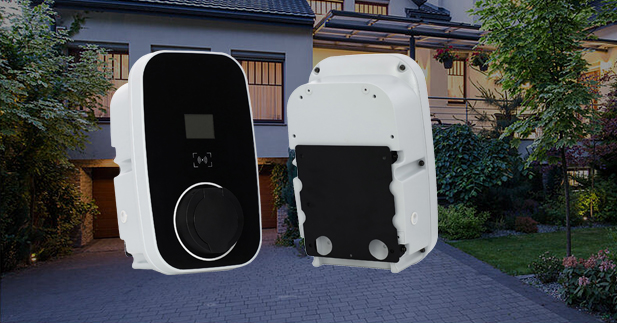
Installation: Wall-mounted
Operating temperature: -25 ~ 50°C
Operating humidity: 3% ~ 95%
Operating altitude: <2000 m
Solid & Durable
The enclosure, rated IP54 waterproof, is made of durable ABS and polycarbonate, allowing it to withstand the harshest weather conditions for many years.
Adjustable power
Choose between a single-phase 7.4 kW model or a three-phase 22 kW model, configured by default at 32A. If a lower power level is required, it can be set to 10A, 13A, 16A, or 32A using the internal amperage selector.
Elegant design and compliance
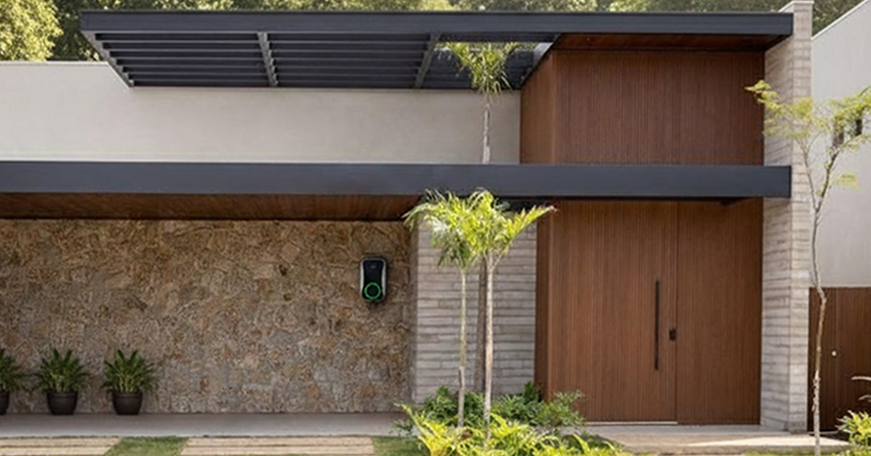
A modern and discreet charging solution for the home, compatible with all electric vehicles (EV) and plug-in hybrids (PHEV) on the market — provided you have the appropriate cable.
Safety
Our charging stations are equipped with the latest safety features and are fully compliant with the latest regulations for smart charging stations, including safety logs and alerts.
DIFFERENT VERSIONS AVAILABLE
AN OPTIMAL CHARGING EXPERIENCE FOR DRIVERS
OCPP
This product is compatible with the OCPP 1.6J communication protocol. Once the IP and ID are configured via the app and the network cable is connected to the Ethernet interface, the product automatically connects to the server to enable remote control. To configure the IP and ID, please go to the app settings.
RFID function
Our charging stations are equipped with the latest safety features and are fully compliant with the latest regulations for smart charging stations, including safety logs and alerts.
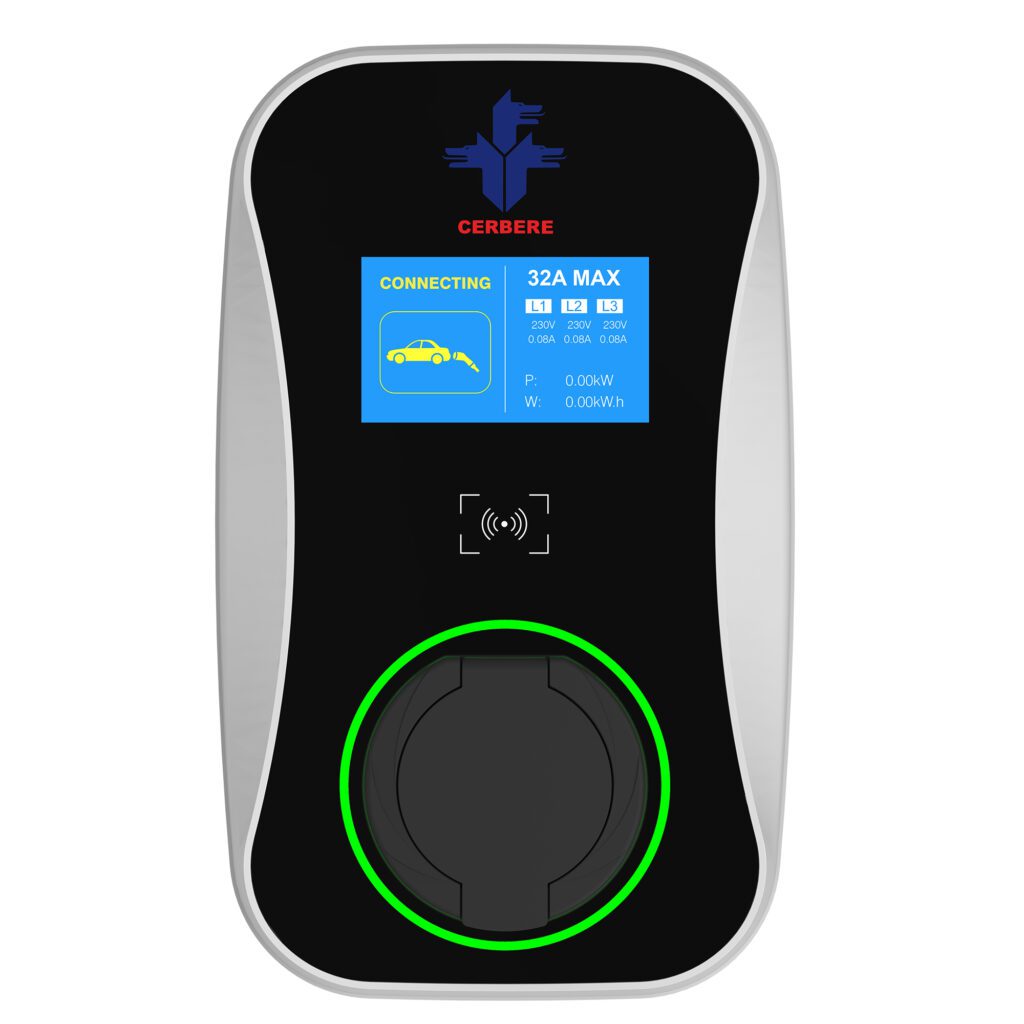
CERBERE – Smart Electric Charging Station
Modern design, maximum performance, optimal safety
This product is compatible with the OCPP 1.6J communication protocol. Once the IP and ID are configured via the app and the network cable is connected to the Ethernet interface, the product automatically connects to the server to enable remote control. To configure the IP and ID, please go to the app settings.
Adjustable power
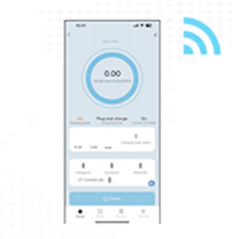
Smart control via app
Advanced safety
Safety | Universal compatibility
Sleek and elegant design
Adjustable power
– Up to 22 kW (three-phase) or 7.4 kW (single-phase)
– Adjustable current: 10A / 13A / 16A / 32A
Smart control via app
– Charging scheduling
– Energy consumption monitoring
– Power adjustment
– Wi-Fi and Ethernet compatible
Advanced safety
– Compliant with Smart Charge Point and OCPP 1.6J standards
– Protection against electrical faults (PEN, AC/DC residual current)
– RFID function: secure start and stop via card
Safety | Universal compatibility
– Compatible with all electric and plug-in hybrid vehicles (EV/PHEV)
– Type 2 socket
– Solar-ready (single-phase models)
Sleek and elegant design
– Wall-mounted installation
– Digital display with real-time charging indicator